Turn an image into a cross-stitch pattern
Convert locally in your browser. Compare colors, edit stitches and download a printable symbol chart.
From pixels
to a personal project.
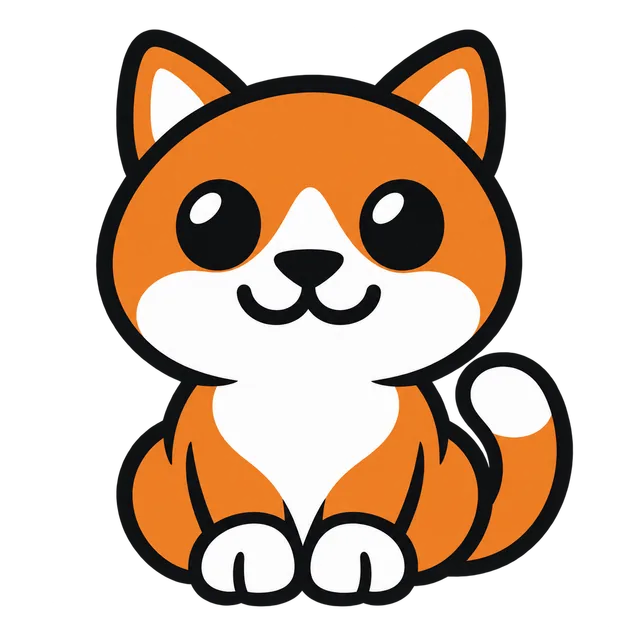
Choose an image on the left—or start with the cat below—to compare three color limits, edit individual cells and download a printable PDF chart.
Original example illustration. Your result is generated from the image.
How to turn a picture into a cross-stitch pattern
- Choose and crop. Open a photo or drawing, or try the cat example. Keep the subject clear and crop out space you do not need.
- Set the grid and fabric count. Choose the width in stitches or centimeters and select your Aida count. The height follows your crop’s proportions.
- Compare and edit. Generate three color limits, inspect the eyes and outline, then choose a scheme. Paint, erase or replace stitches as needed; Undo returns the last edit.
The conversion runs locally in your browser. The current tool supports full cross-stitches and generic demonstration colors.
The cat, as a cross-stitch pattern
This original AI illustration is converted with the same local algorithm as your own image. This is the saved Balanced example with a limit of 16 colors. It is a pattern preview, not a photograph of a finished craft.
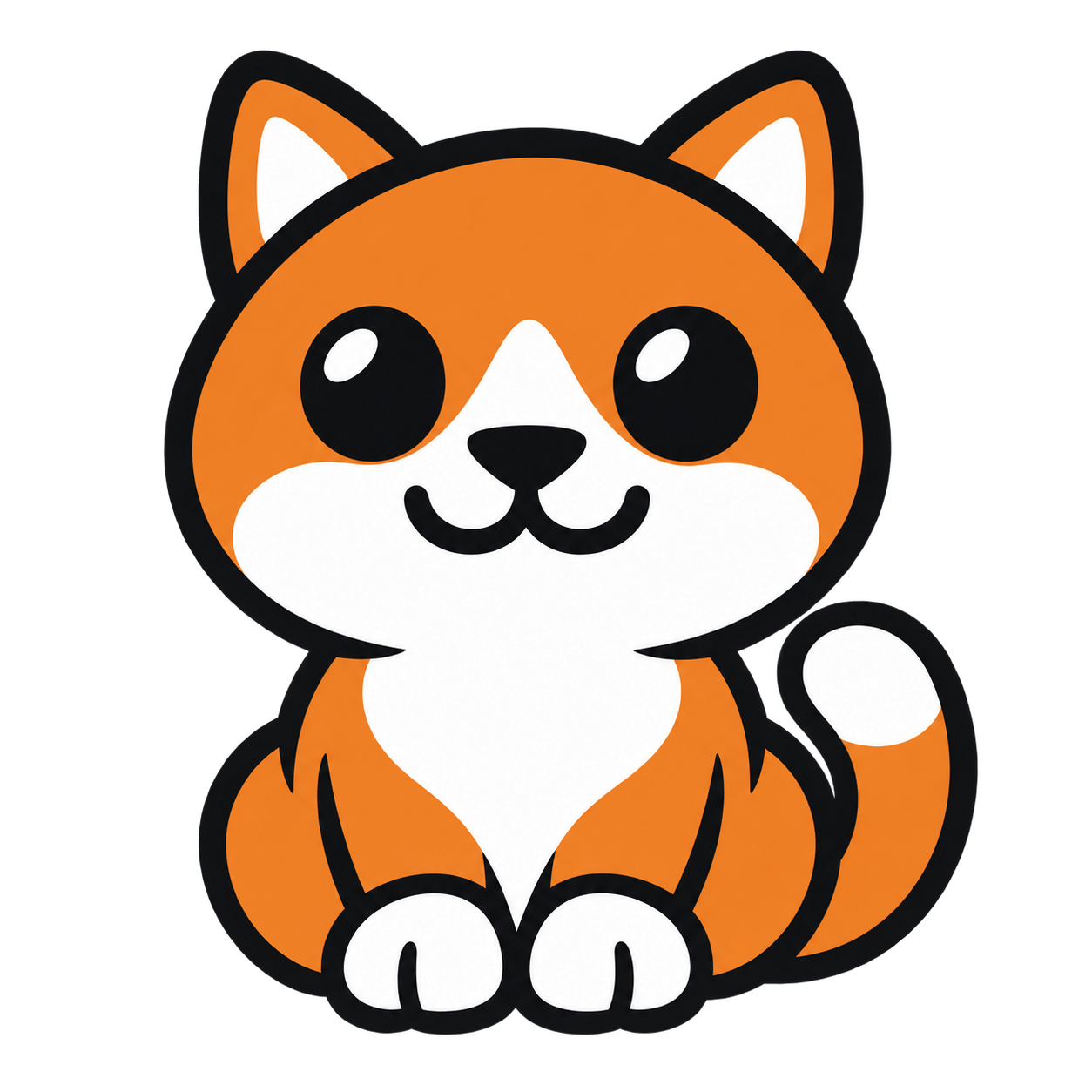
5,226 full stitches in 9 colors. On 14-count Aida, the full grid, including empty cells, measures 18.14 × 18.14 cm before fabric margins.
Download the cross-stitch sample PDFHow to use this PDF: read each symbol against the color key and follow global row and column coordinates across pages. The chart is enlarged for reading; its printed squares do not determine fabric size. White cells contain material; blank cells are left empty.
View the sample color quantities
| Symbol | Demo color | Count |
|---|---|---|
| A | WhiteDEMO-01 | 1,513 |
| B | IvoryDEMO-02 | 95 |
| C | SandDEMO-03 | 71 |
| E | CaramelDEMO-05 | 222 |
| G | Dark brownDEMO-07 | 190 |
| H | BlackDEMO-08 | 1,268 |
| I | CharcoalDEMO-09 | 74 |
| K | SilverDEMO-11 | 90 |
| R | OrangeDEMO-18 | 1,703 |
Choose the pattern size before stitching
Grid width controls how much detail the pattern can hold. Aida count controls the physical size of that grid. Each side must fit within the tool’s 10–200 stitch range; changing the width also changes the height according to your crop.
Full-grid size includes empty cells. The rectangle containing actual stitches can be smaller, and your fabric needs any extra allowance you choose around the grid.
Calculate cross-stitch grid and fabric size before generating. Use the count and width you calculate in the studio above.
Save your project and choose a chart
Use Save project to keep an editable JSON backup, then check your downloads. The recent browser draft can help you resume, but it is not a reliable backup.
Choose Print PDF for a page map and enlarged symbol-chart sections, or Screen PDF for a complete chart you can zoom into. The printed symbols help you read the pattern; fabric count determines the size on your Aida.
Read the cross-stitch size, fabric count and printing guide for fabric allowance, page navigation and reading on screen.
Questions before you start
What images work well for a small pattern?
Start with one clear subject, a readable outline and contrast between important features. A closer crop gives the subject more of the grid. Inspect the result before stitching, especially fine whiskers, tiny text or a busy background.
Why do details disappear when I make the grid smaller?
Each grid cell represents part of the source image. With fewer cells, small features may share a cell or disappear during sampling and color reduction. Try a closer crop or a wider grid, then compare the actual schemes; adding colors alone cannot restore every missing detail.
Which image files can I open?
Choose a JPEG, PNG or static WebP image up to 10 MiB and 12 million decoded pixels. Images are processed on your device. HEIC, GIF and animated images are outside the supported formats.
What does an exported pattern include?
A PDF contains a symbol chart, coordinates and a material key with stitch counts. PNG exports the current pattern preview with empty cells transparent. An editable JSON project includes the source image, applied settings, material snapshot and final grid so you can reopen it.
Does the tool provide brand thread numbers?
No. The palette contains generic demonstration colors, not verified brand thread codes or a purchasing list. Counts describe individual stitches, not thread lengths or skeins. Only full cross-stitches are supported.